Unified Login Experience for University of Miami Apps and Services
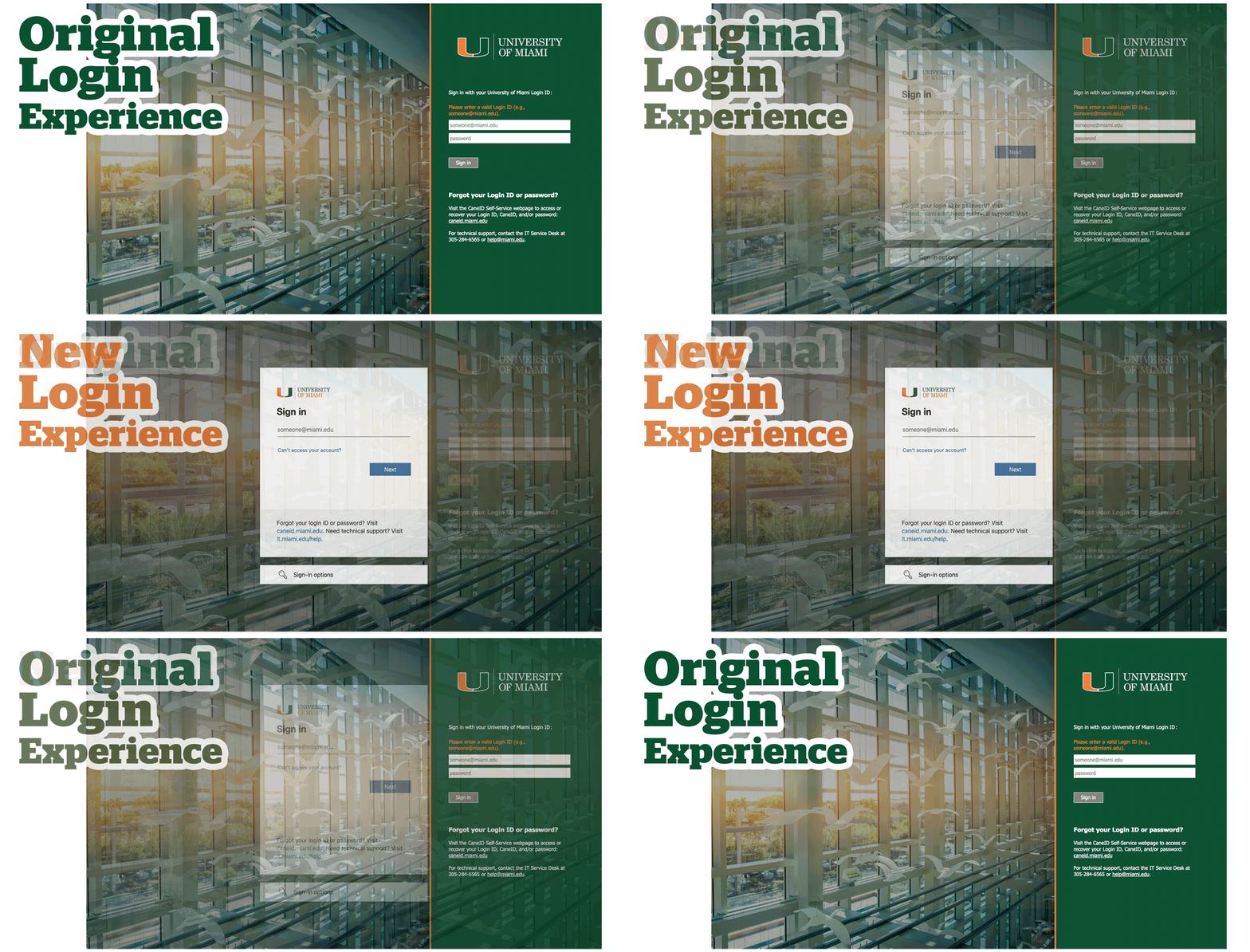
When visiting the majority of University of Miami (UM) applications or services, you'll encounter a UM-branded login page that aligns with the University's branding.
Sign in with your Login ID and password, and followed by multi-factor authentication (MFA). As of February 2025, Login IDs are required to access to most University systems—including Workday, CaneLink, Blackboard, and Box, among others.
Systems that do not currently use the UM-branded login page continue to use their usual sign-in methods. (If a different ID is needed, e.g., CaneID, UM ID, etc., the system will prompt you accordingly.)
In 2025, we started implementing a new login experience in a phased approach for University of Miami applications and systems accessed via the UM-branded login page. As of March 25, 2026, the new login experience change was fully implemented across the University of Miami.
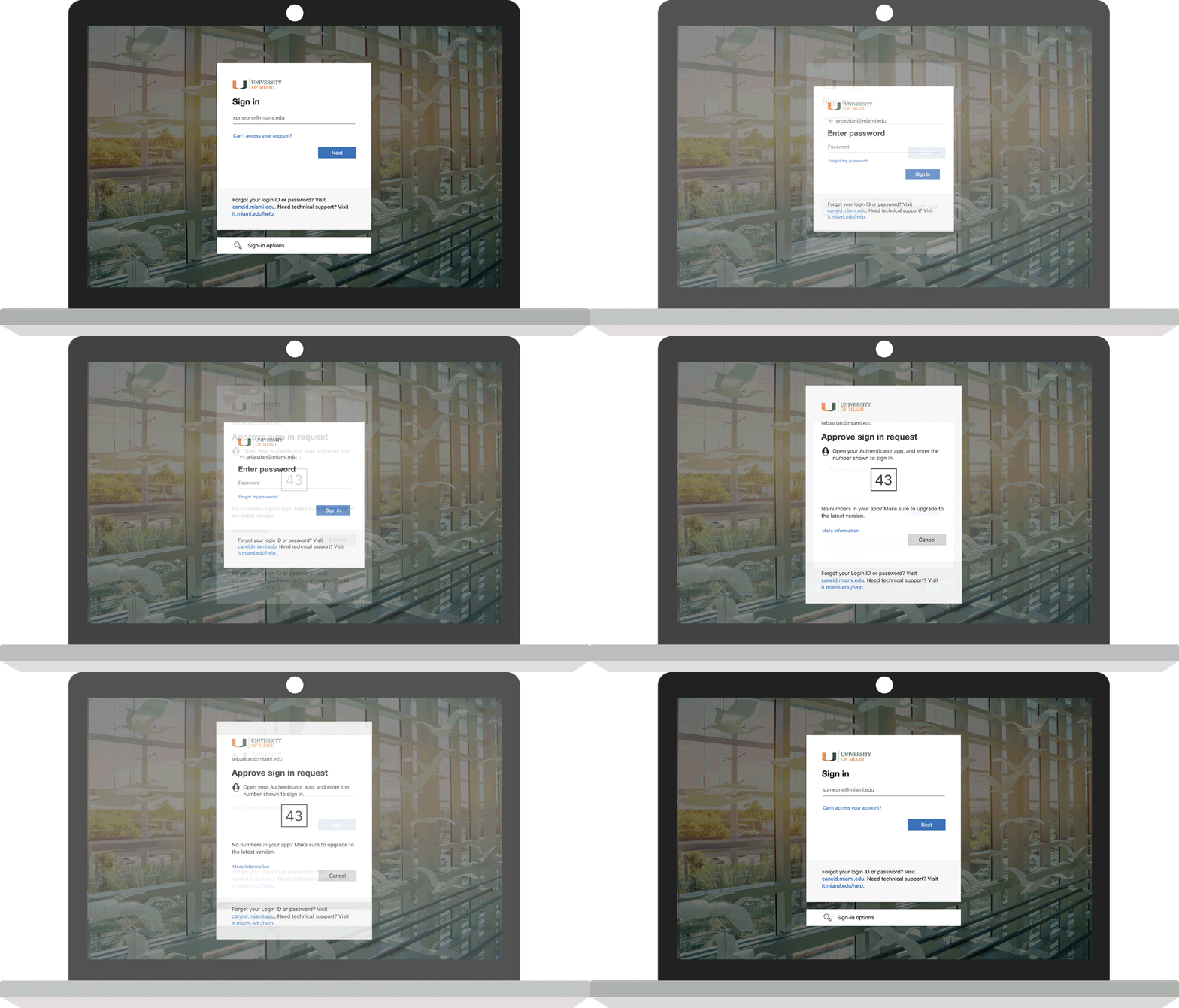
How Do I Know I'm on the UM-branded Login Page?
- The new login experience features a full-width flying ibis image in the background with the UM-branded login screen in the center. When you login, you are presented with separate screens for your username (Login ID), password, and multi-factor authentication (MFA).
- The URL in the address bar starts with https://login.microsoftonline.com/...
New Login Experience
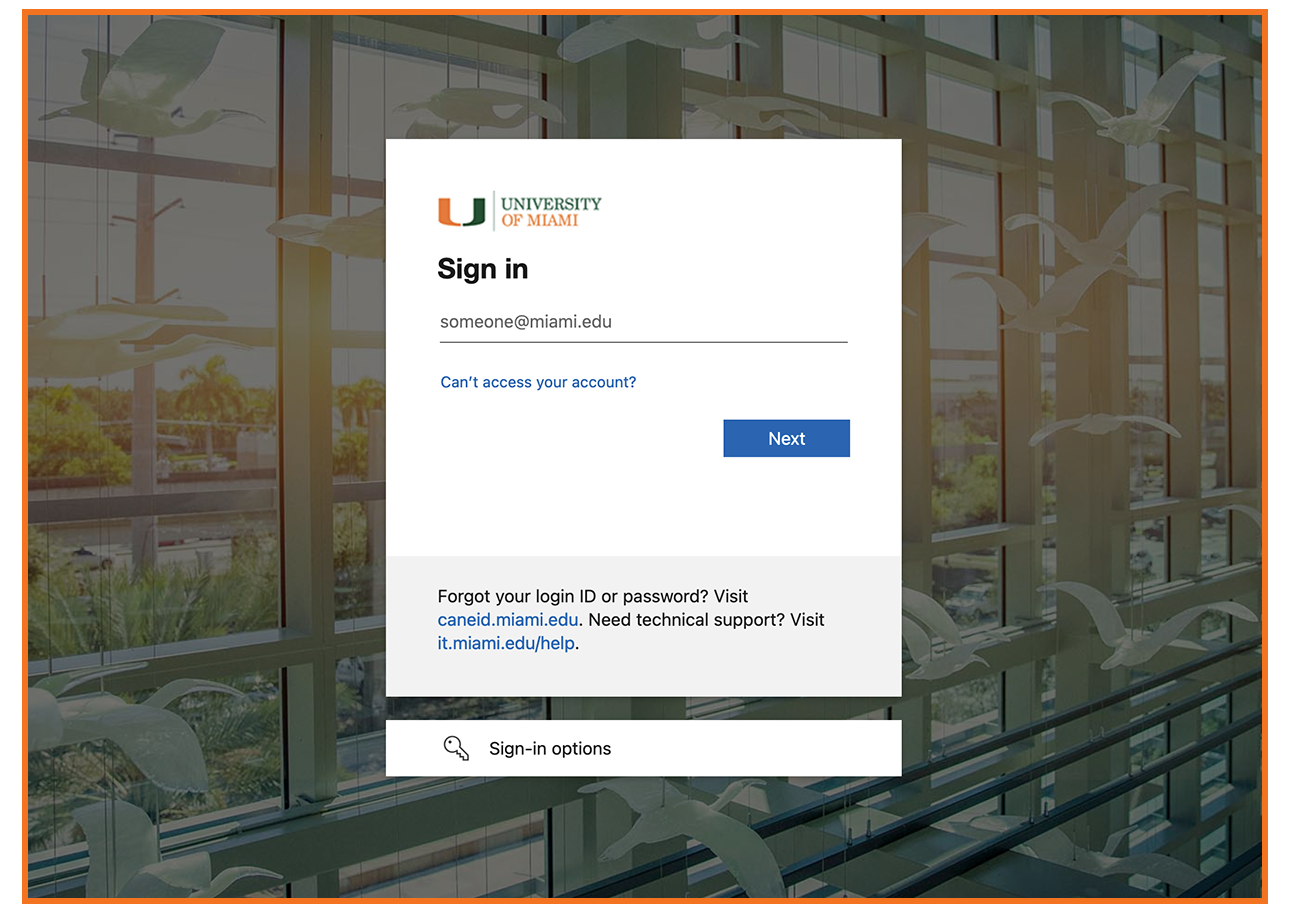
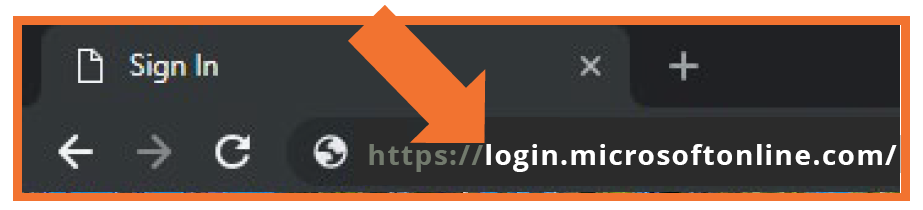
The https://login.microsoftonline.com/... URL is a secure UM login page, as noted by the "s" after the "http" in the web address.
If you do not see the latest UM-branded login page or if you receive an error when attempting to log in on this page, clear your Internet browser's cookies/cache. Not sure how? Clearing your cookies/cache depends on your browser. Instructions are available via each browser—for example, Apple Safari, Google Chrome, Mozilla Firefox, Microsoft Edge, etc.
|
Note: Now that UM applications have moved to the new login experience, any bookmarks you saved that start with the original login experience's URL https://auth.miami.edu... will no longer work. To fix this, visit the application using its regular website address (for example, go to workday.miami.edu for Workday). Then, you can update your bookmark with the new login page address, which starts with the URL https://login.microsoftonline.com/...
|
Frequently Asked Questions
How do I sign in?
When you reach the UM-branded login page, enter your Login ID and password. You will then be prompted for multi-factor authentication (MFA).
What is a Login ID?
Your Login ID provides unified access to the majority of University of Miami systems, and is sometimes referred to as your User Principal Name (UPN). Your Login ID is usually formatted like your CaneID; however, the Login ID has @miami.edu or @umiami.edu appended to the end of the ID. (The @miami.edu or @umiami.edu at the end of the Login ID indicates that you are associated to the University of Miami organization.)
University users log in using different identifiers, such as their CaneID (e.g., sebastian), which is sometimes different from their Login ID (e.g., sebastian123@miami.edu). As of February 12, 2025, use of your Login ID is required to access most University of Miami systems—e.g., Workday, CaneLink, Blackboard, Box, etc.
What happens to my CaneID?
Your CaneID is your unique identifier within University systems, and you will continue to use your CaneID for a variety of reasons—including when connecting to an on-campus University of Miami wireless network and/or accessing systems that do not use the UM-branded login page (e.g., flying ibis image). Keep in mind that some University applications/systems may require a different ID to sign in, and will prompt you accordingly.
Note: At any time, you can visit CaneID Self-Service at caneid.miami.edu to view your Login ID, CaneID, UM ID (C#), and/or EMPLID.