







Access alerts for various University of Miami systems, including planned maintenances and emergency outages.
Enter a search term below to get started:
The University of Miami is transitioning to Canvas, a modern, mobile-friendly learning management system (LMS) that enhances teaching, learning, and accessibility.
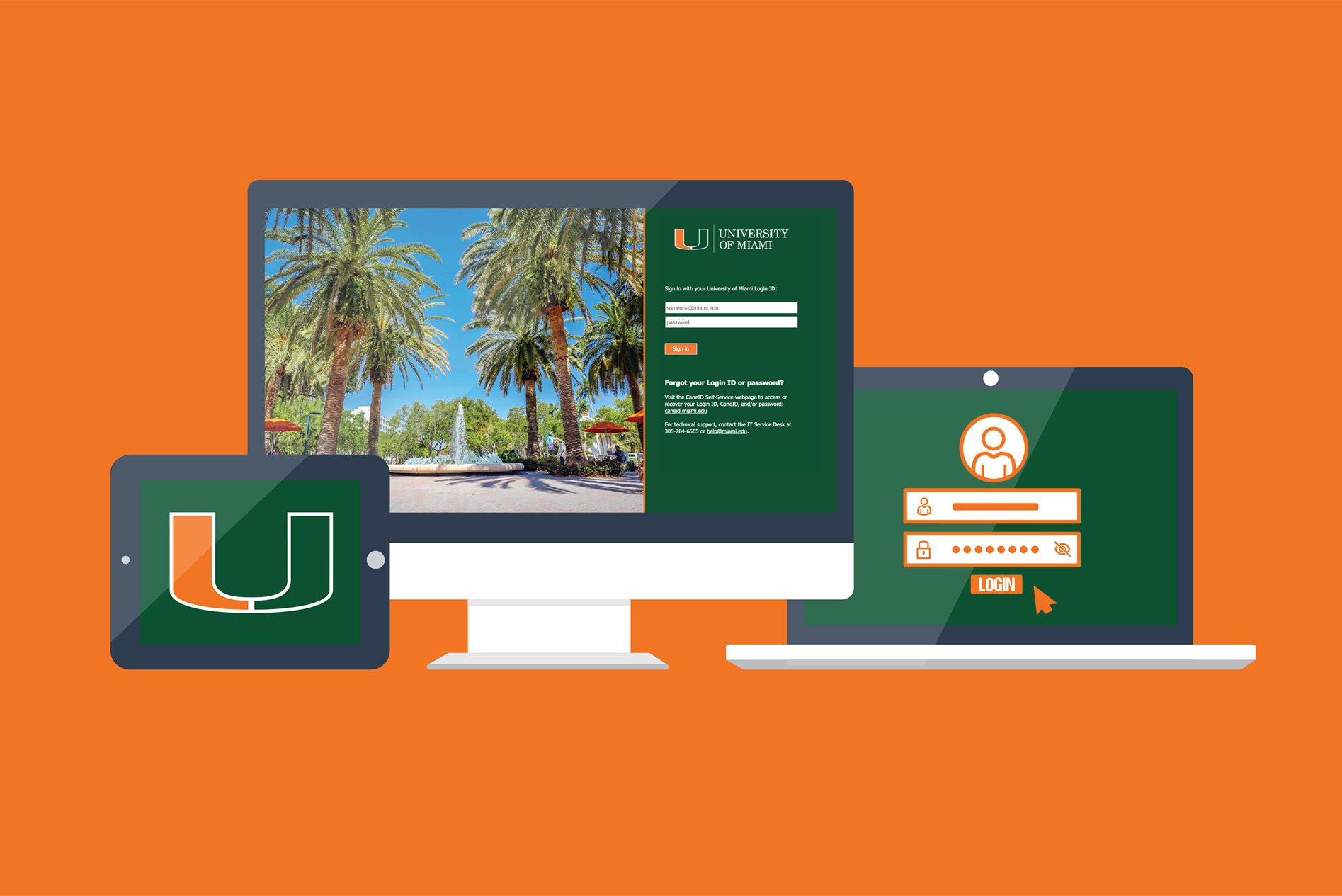
When visiting the majority of University of Miami applications or services, you will see a UM-branded login page. At this page, sign in with your Login ID and password, and then you'll be prompted for multi-factor authentication (MFA).
The IT Self-Service portal has a new look—and it's now faster and easier to get help. Submit and track your tickets, or use new tailored forms to reach the right IT team right away.
Explore the different artificial intelligence (AI) tools available for free use by all University of Miami students, faculty, and staff.
IT provides downloadable software and related services to support teaching, learning, productivity, and research. Many software products are available at no cost to the UM community.
Are you a researcher at the University of Miami looking for IT-related services and support? Access your research technologies resource hub.
The University of Miami provides various networks, including wireless and wired, for the UM community.
Access and share files from any device! UM's collaboration and cloud-storage solutions give you unlimited space to securely back up your data online—plus, real-time editing and permission-based settings.
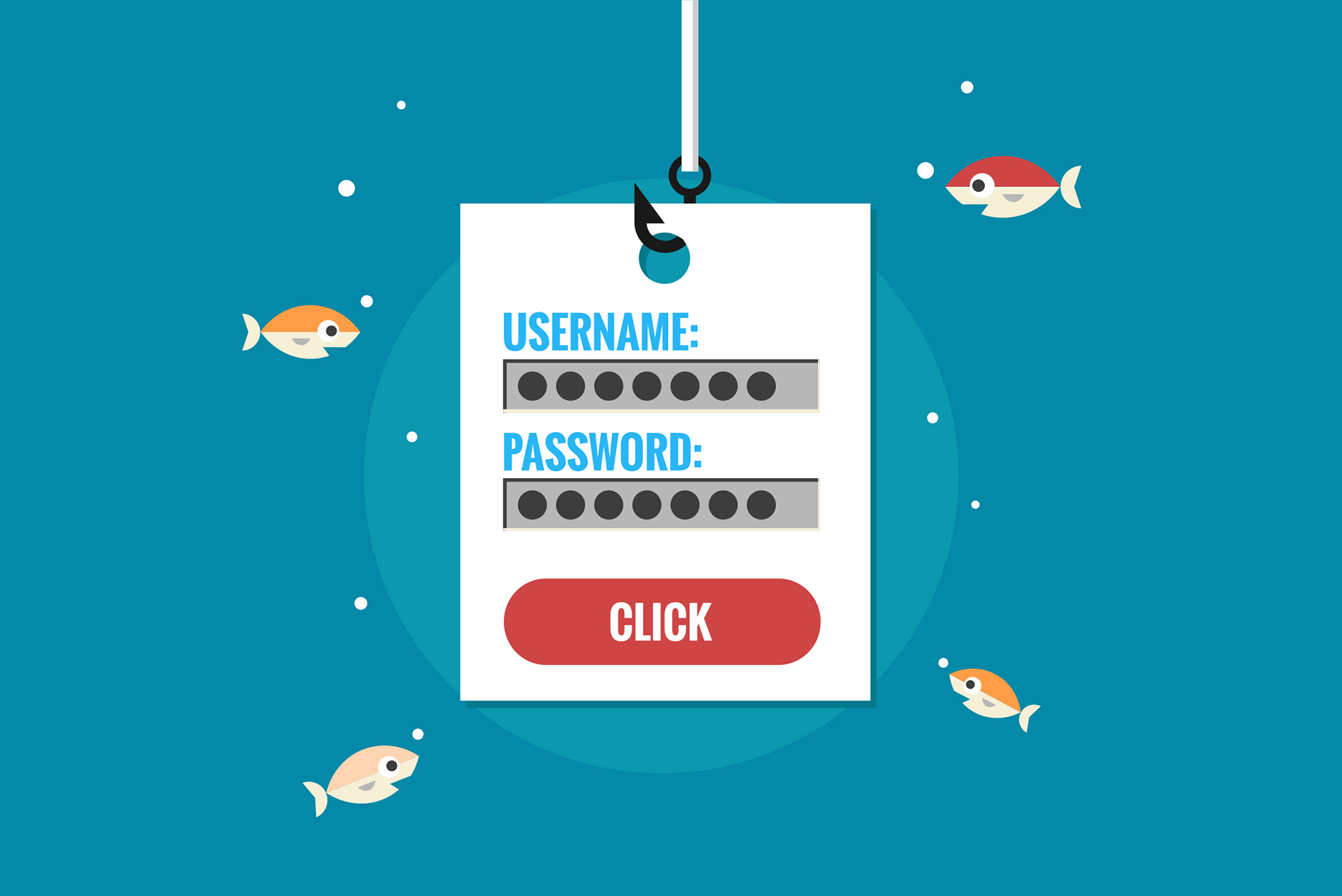
Phishing is a form of fraud in which an attacker tries to learn private information (such as login credentials). The best way to combat scams is to learn what phishing looks like and how to protect yourself.
Access the technology, tools, software, and support you need to succeed at the University—from email and learning systems to AI tools and campus resources.
Discover the technology resources that support teaching, research, and collaboration, including learning systems, AI tools, software, and IT services.
Find the technology, applications, and support services that help you work efficiently, collaborate effectively, and stay connected across the University.
Manage your CaneID account password: Reset or update your University of Miami password.
View IT services and products by categories: Administrative applications; email and collaboration; and more.
Browse an A-Z list of all IT offerings to: Any software, product, service, or IT tool at your fingertips.
Access IT support: Contact your dedicated IT team to help with technical support issues.
Access alerts for various University of Miami systems, including planned maintenances and emergency outages.
If you receive a suspicious looking email in your University inbox, you can quickly click on the "Report Phish" button while the email is open.
If you are not using the University's Gmail or Outlook, or if you cannot determine if an email is legitimate or not, please forward the suspicious email to phish@miami.edu.
In addition, you can easily report junk/spam emails and block the sender through Outlook's "Report Junk" feature or Gmail's "Report Spam" feature.
At any time, if you have questions, comments, or concerns related to online security, please email the IT Security team at infosec@miami.edu.
Copyright: 2026 University of Miami. All Rights Reserved.
Emergency Information
Privacy Statement & Legal Notices
Individuals with disabilities who experience any technology-based barriers accessing University websites can submit details to our online form.