
Need Wi-Fi?
The University of Miami (UM) provides various wireless and/or wired networks for the University community.



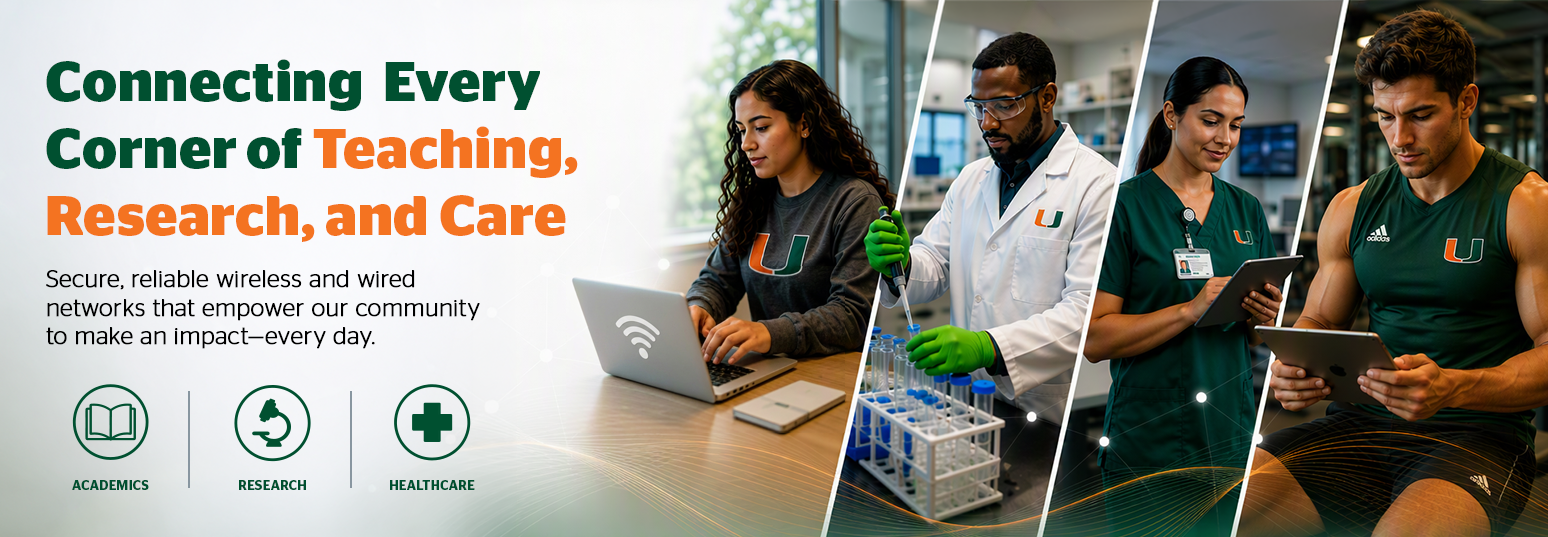
The University of Miami (UM) provides various wireless and/or wired networks for the University community.

Parents, patients, and visitors can connect to the University’s network with instant access instructions.
Connect to CanesGuest:
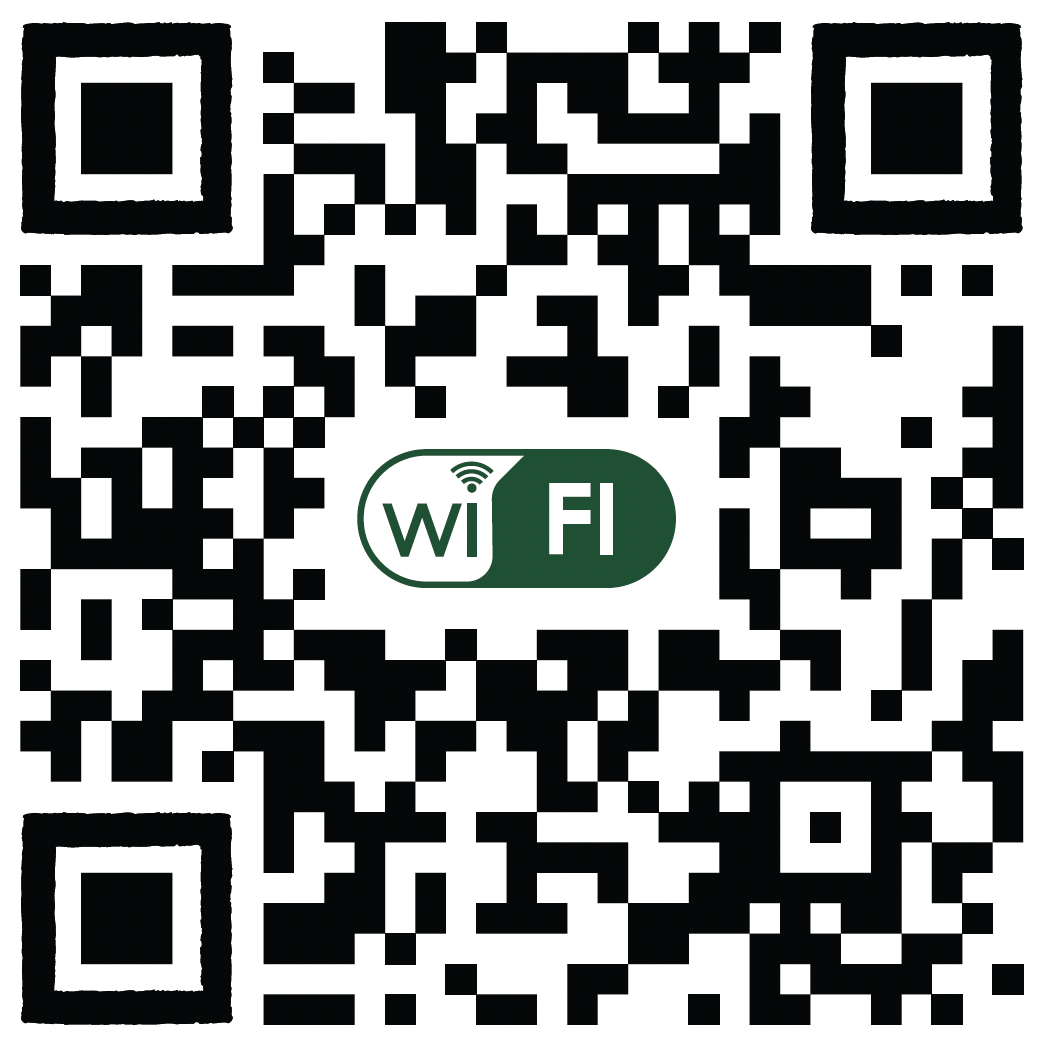

Learn how to enroll personal mobile devices or register University computers for private network access.
Note: Must be completed while physically on campus.

Students, Faculty, and Staff: Please use the button below to report a connectivity issue, e.g., issues with wireless (Wi-Fi) or wired networks.
University Guests: Please contact the 24/7 IT Service Desk at 305-284-6565.
How to adjust Apple privacy features to ensure a smoother, more reliable experience. Read more. The future of connectivity isn't about technology. It's about experience. How one preschool reminded us why connectivity is about people, not technology. Read more.

Apple Privacy Features

The Evolution of Connectivity
Read more. 
Canterbury Partnership


Copyright: 2026 University of Miami. All Rights Reserved.
Emergency Information
Privacy Statement & Legal Notices
Individuals with disabilities who experience any technology-based barriers accessing University websites can submit details to our online form.
