New Chrome Update Notifications
Starting Fall 2026, the University of Miami will introduce a new notification that lets users know when Google Chrome has been updated and prompts to relaunch Chrome to apply the latest security updates. This enhancement helps ensure that critical security protections are activated as quickly as possible while minimizing disruption to your workday.

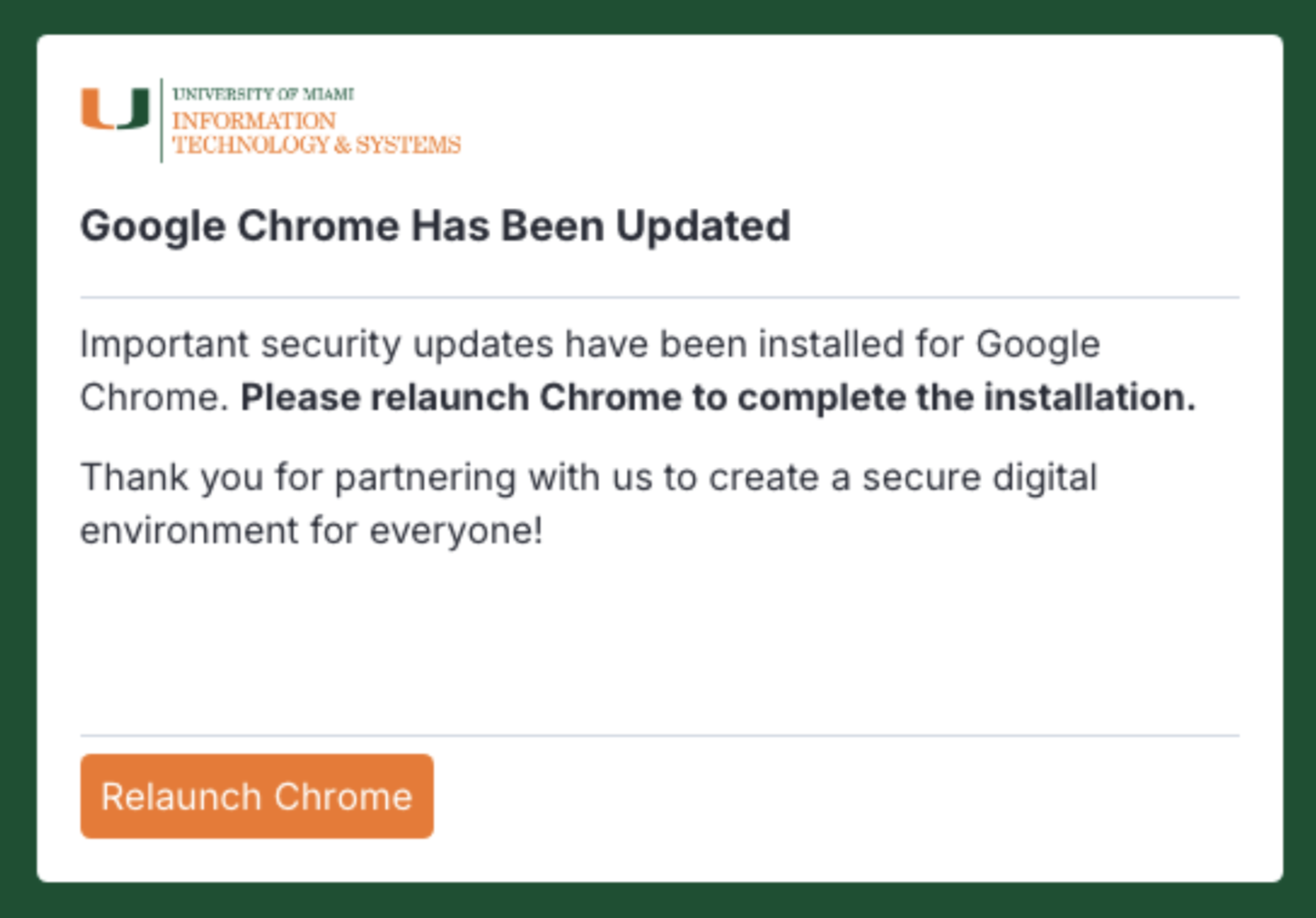
Example of the notification users may see after a Chrome security update is installed.
What to Expect
Beginning Fall 2026, users may receive occasional Chrome update notifications.
- The notification is expected and legitimate.
- A computer restart is not required.
- More frequent security updates are expected as software vendors respond to an increasingly sophisticated threat landscape.
When you receive the notification:
- Save any work you have open in Chrome.
- Click the option to relaunch Chrome.
- Continue working as normal once Chrome reopens.
Why Am I Seeing This Notification?
Google regularly releases security updates for Chrome to address newly discovered vulnerabilities and strengthen protections against emerging cyber threats.
While these updates are typically installed automatically in the background, some updates require Chrome to be relaunched before the security fixes take effect. When that happens, you'll receive a notification letting you know that Chrome is ready to be restarted. The notification is simply a reminder to relaunch Chrome so that the latest protections can be activated.
In most cases, relaunching Chrome takes only a few seconds and helps ensure your browser is running with the latest security protections.
Why Are Security Updates Becoming More Frequent?
Today's cybersecurity landscape is evolving faster than ever. As artificial intelligence technologies become more advanced and accessible, they are being used not only to improve productivity and innovation but also by bad actors to identify vulnerabilities, automate attacks, and develop increasingly sophisticated threats.
To stay ahead of these risks, software vendors such as Google are releasing security updates more frequently than in the past. These updates help protect against newly discovered vulnerabilities and reduce the likelihood of successful exploitation. As a result, more frequent browser updates are becoming the new normal across organizations worldwide.
Keeping Our Community Secure
Cybersecurity is a shared responsibility. By relaunching Chrome when prompted, you help ensure your device benefits from the latest protections available and contribute to a safer digital environment for the entire University community.
Thank you for helping us keep University of Miami systems secure.